Lead Engine
2026 · mhmudsaed/hermes-lead-engine
Takes a list of companies, visits each site with a real browser, and fills in the spreadsheet: hiring contact, tech stack, careers page — with a screenshot saved as the receipt for every row.
Built and verified · recorded run, offline test suite, and full source below.
The problem
A raw list of company names tells you nothing about who is worth writing to. Finding the stack, the hiring page, and a real contact by hand runs to a couple of minutes per company, which is hours for a list of fifty.
Pipeline architecture
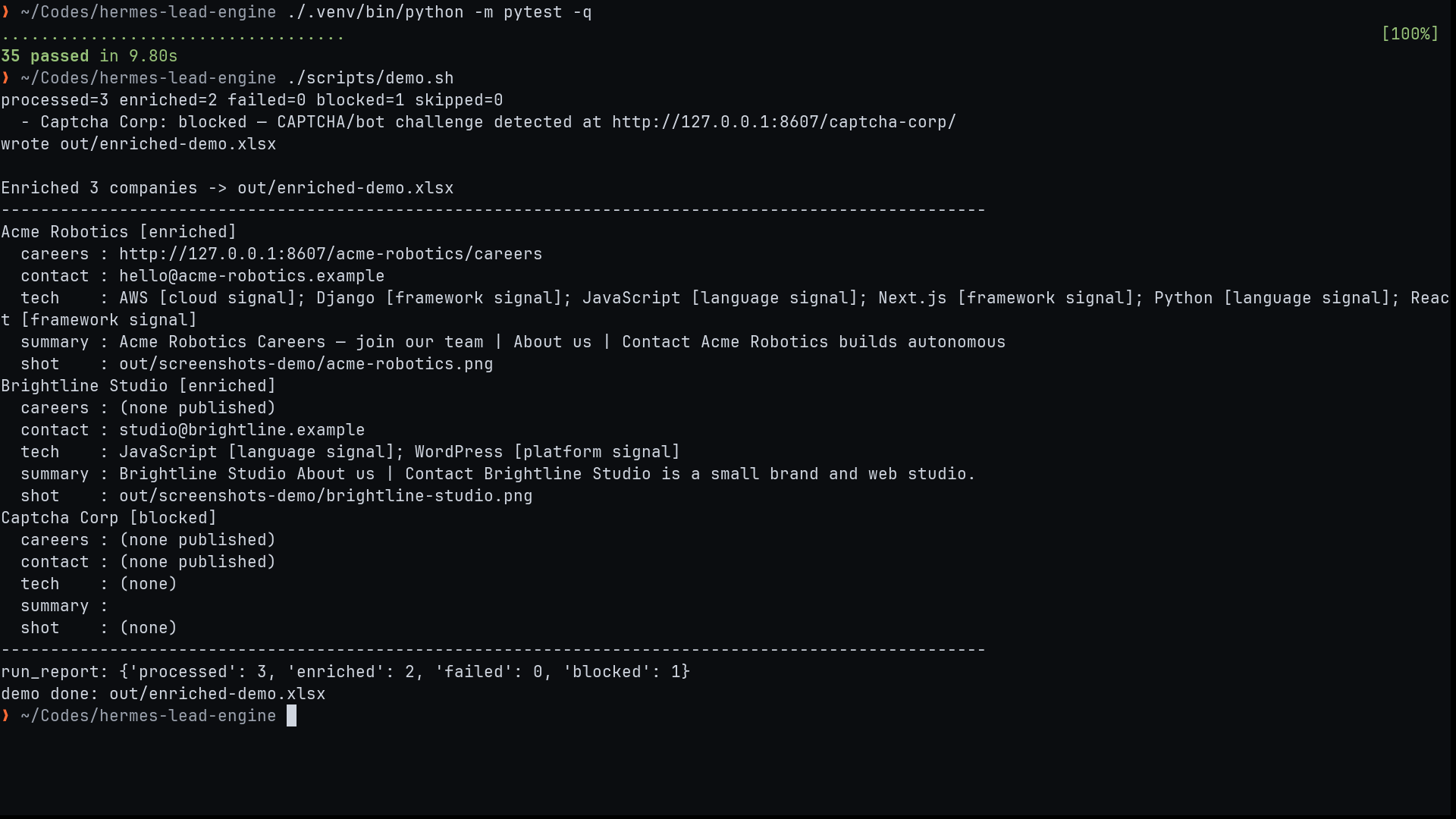
The tool reads the input CSV and drives a real browser through each company's site in turn: homepage, careers page, about page. It collects what it finds into structured columns, drafts a two-sentence outreach note per row, and writes an enriched spreadsheet. Each enriched row stores the screenshot and source URL it was based on.
Recorded run
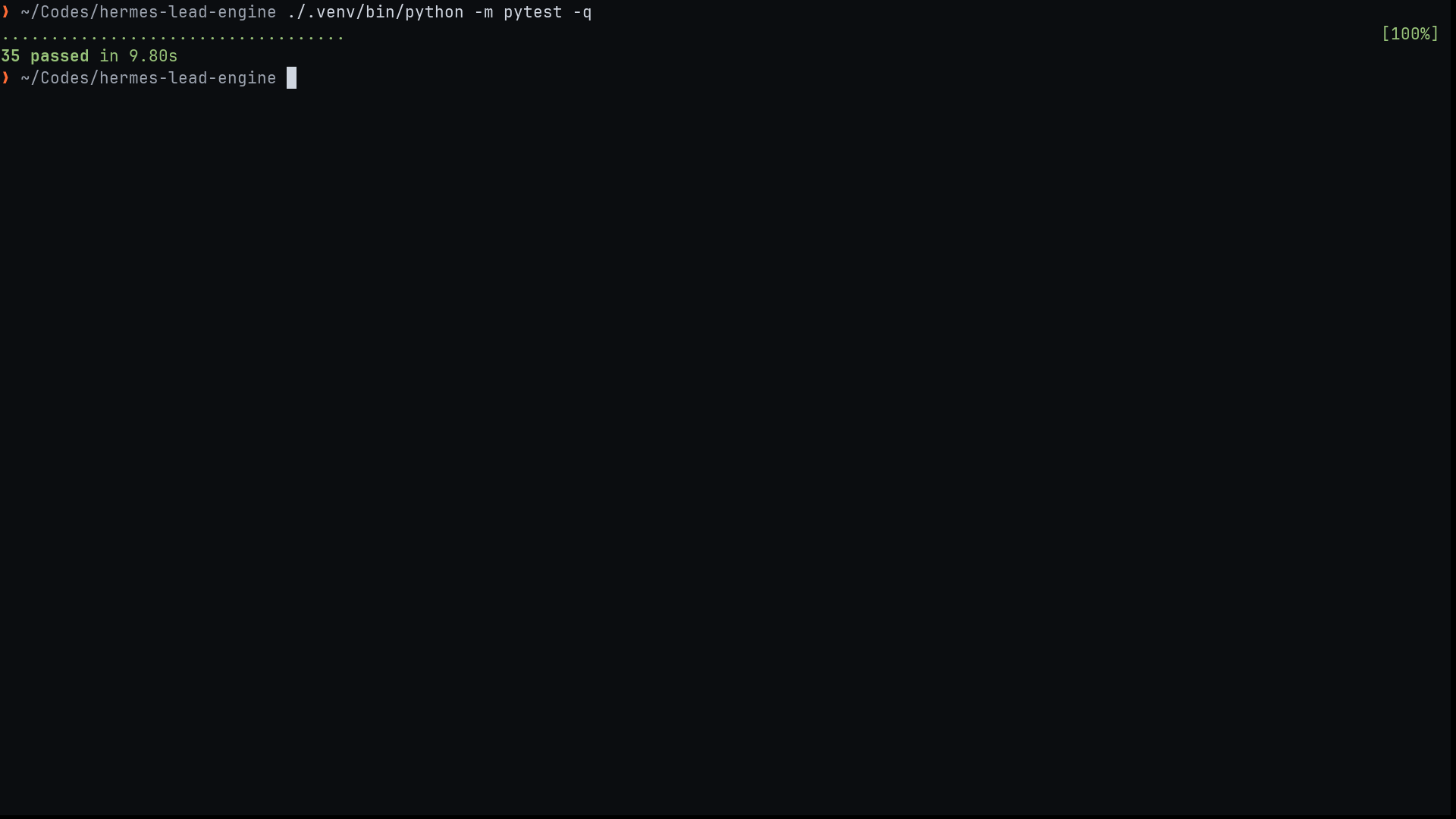
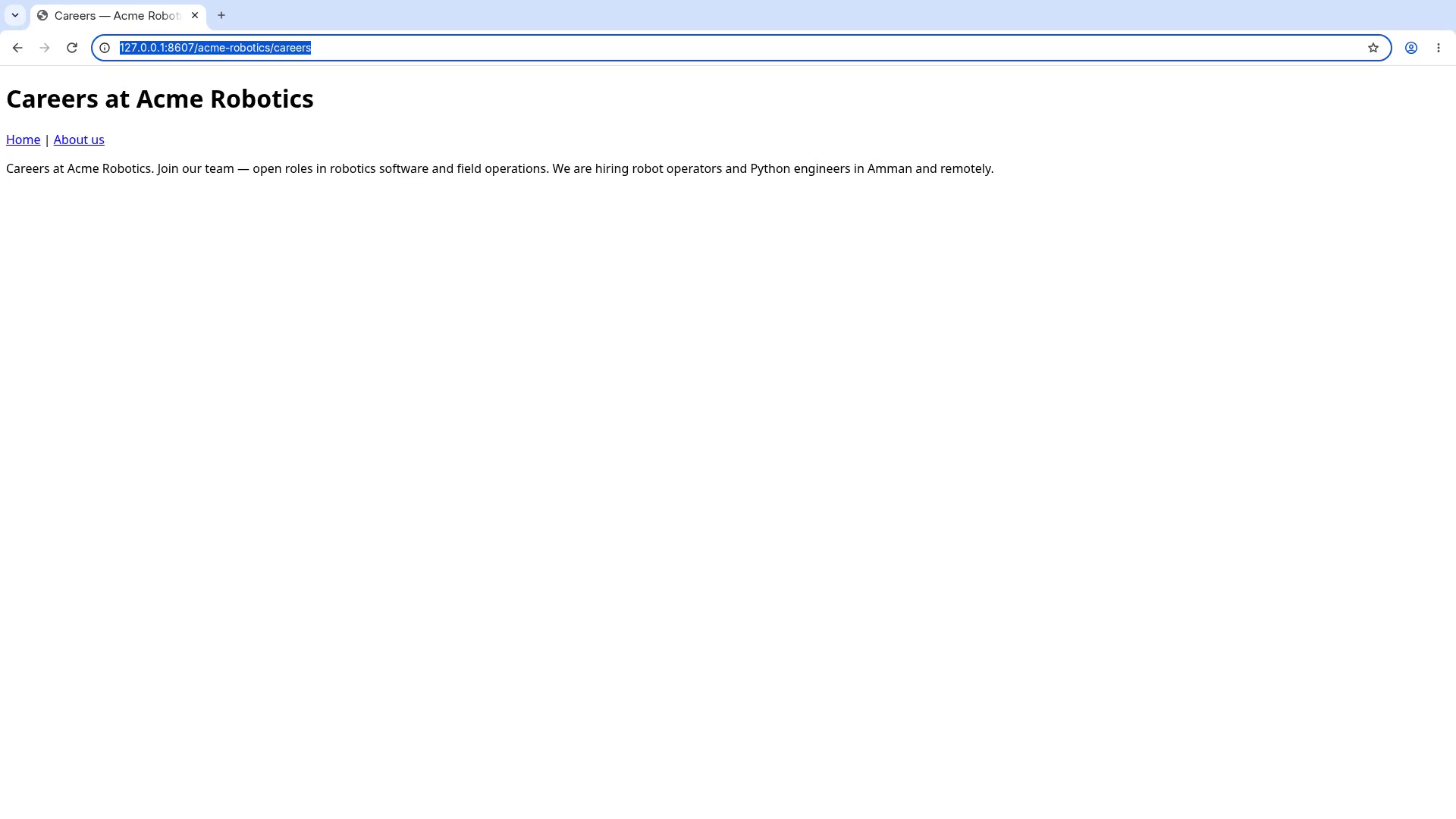
Recorded live in a real terminal: the offline test suite, then ./scripts/demo.sh against the synthetic fixture site — the enriched table and run report at the end.
Key decisions
Accessibility snapshots instead of raw HTML
Reading a page's accessibility tree instead of its HTML gives the browser agent clean element labels at a fraction of the tokens, and it holds up on the form-heavy career pages where raw parsing breaks.
One browser session per source site
Sessions stay isolated per site so cookies and login state never bleed between companies, and a problem on one site cannot take down the whole run.
Screenshots as receipts
Every enriched field keeps the screenshot it came from. If a number or a name looks wrong, the original page is one glance away instead of a re-browse.
Guardrails
- Stops and asks when a site presents a CAPTCHA or a login wall.
- Rate-limited, jittered browsing; it behaves like a slow human reader.
- Fields without a verified source are left empty rather than guessed.
Verification
Targets turning a couple of hours of manual research into one run. Verified in the recorded runs below: the sample list enriches end-to-end with screenshot receipts, and the one CAPTCHA-walled page is skipped rather than guessed.